
Move Day & Crew
On move day your foreman starts the clock, tracks the crew, and gets the customer's signature on site. No paperwork, no callbacks to the office, no lost hours.
Plan the week
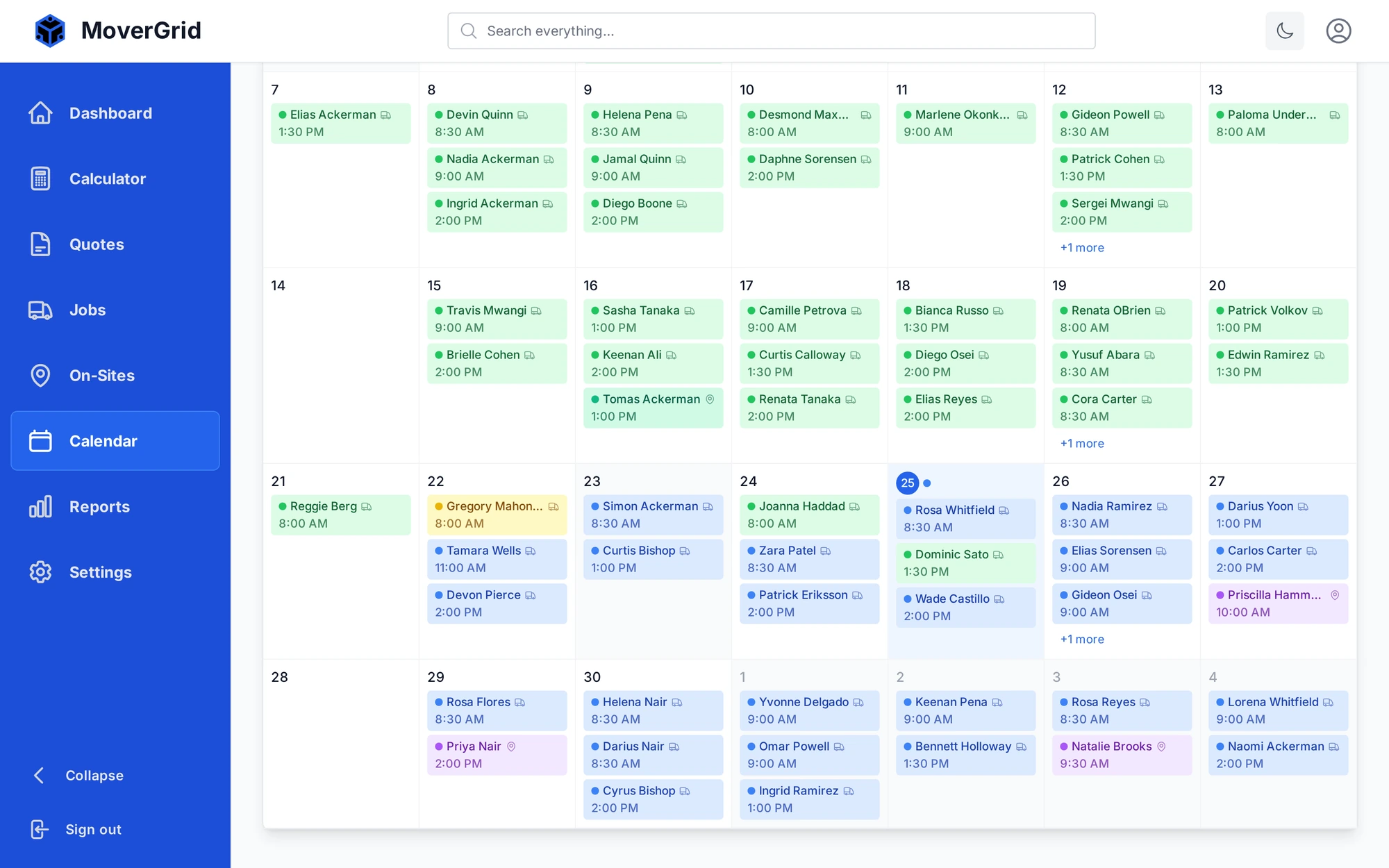
See every job on one calendar and assign the right crew and truck to each one. MoverGrid flags clashes before they happen, so you never double-book a team or send two jobs to the same truck.
The day's run
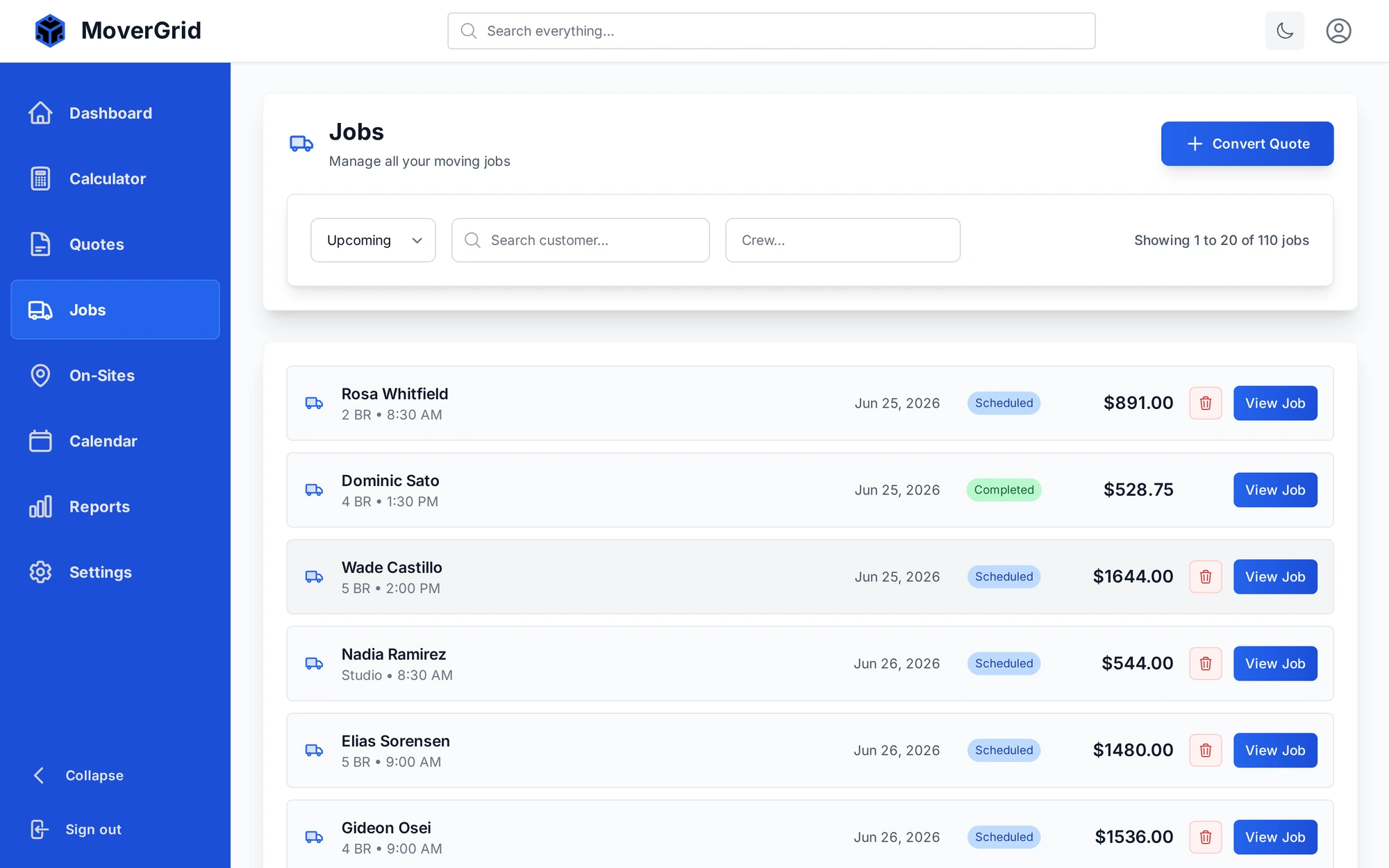
Your jobs board shows what is booked, in progress, and done, with the customer, addresses, and crew on each card. The whole team knows where to be and what is next without a single phone call to the office.
On site
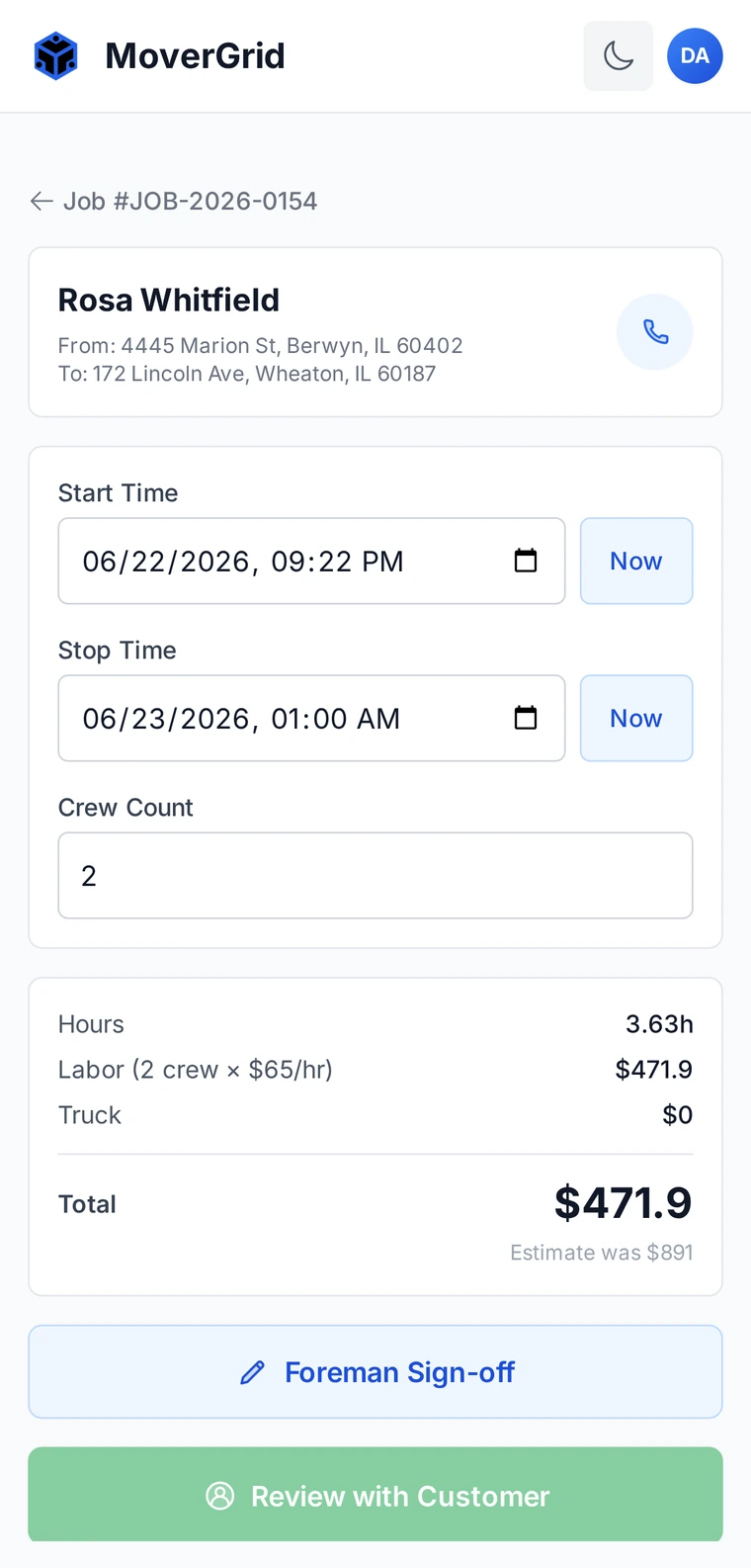
When the crew arrives, the foreman opens the job on a phone and starts the clock. MoverGrid tracks billable hours and crew, calculates the final total against the estimate, and captures the customer's signature right on the truck.
The whole job runs from one phone, start to finish.
Open the job on a phone and tap start when the crew gets to work.
Track crew and billable hours. The total updates live against the estimate.
Stop the clock, review the total with the customer, and capture signatures on site.
Try MoverGrid free for 30 days. No credit card, no setup fees, no contracts.